
Master Photoshop Elements 2026 — Including the NEW Generative AI Tools
The Photoshop Elements 2026 Online Course has been combined with the 2025 course and can now be found here:
https://howtogurus.com/pse2025
Join the Photoshop Elements 2026 course and start creating faster with Generative AI — today.
Create, retouch, and transform images up to 10× faster with Adobe’s built-in AI. Learn step-by-step in plain English — from fundamentals to advanced AI.
What’s New in Elements 2026 — And Why It Matters
✨ Generative AI Fill
Expand backgrounds, add objects, and remove distractions in seconds with natural-looking results.
⚡ Prompt-Driven Edits
Describe what you want — Elements generates it. Learn reliable prompt patterns for consistent results.
🧠 AI-Aided Selections
Cleaner edges, smarter masks, and faster composites when you combine AI with classic tools.
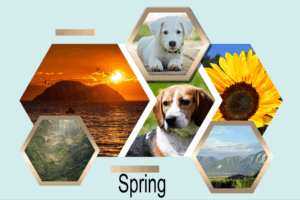
See Generative AI in Action (10 seconds vs 10 minutes)

Before - Original Image

Using Photoshop Elements 2026 Generative AI
You’ll learn the exact steps to reproduce edits like this — and how to refine AI output with layers & masks.
What You’ll Be Able to Do
Photoshop Elements 2026, 2025, 2024 Now With Generative AI
How To Gurus Training for Photoshop Elements 2026, 2025, and 2024
Are you ready to unleash your inner artist and take your photo editing skills to the next level?
Look no further! Introducing our comprehensive online course, designed for beginners and seasoned enthusiasts alike.
🎓 Immediate Access: Dive into the world of Photoshop Elements 2026 from the comfort of your own home,
with instant access to our user-friendly online platform.
🌟 Perfect for Beginners: Don’t let inexperience hold you back! Our course is crafted to gently guide
newcomers through every aspect of Photoshop Elements, from the basics to advanced techniques.
🖌️ Master the Tools: Say goodbye to confusion! Learn to navigate through the tools, menus,
and panels with ease, empowering you to create stunning visuals effortlessly.
👩🏫 Expert Guidance: Led by the esteemed Photoshop Elements Guru, George Peirson,
our training videos provide clear, step-by-step instructions, ensuring you grasp each concept thoroughly.
Experience the magic of Photoshop Elements 2026 through a blend of practical demonstrations and hands-on projects.
Whether you’re a hobbyist or aspiring professional, you’ll quickly master the power of photo editing and unleash your creativity like never before.
Don’t miss out on this opportunity to elevate your skills and bring your visions to life.
Enroll now and embark on a journey of artistic discovery with Photoshop Elements 2026 Training! 🎨✨

Course Curriculum (Snapshot)
200 Lessons, Over 14 Hours of Instruction
Covering all facets of Photoshop Elements, all tools, all panels, all menus, everything.
Foundations & Essentials
Classic Tools (Selections, Retouching, Color)
Generative AI: Fill, Prompts & Controls
AI Composites & Smart Masking
Projects: Portraits, Products, Landscapes


What Students Say
“Exactly the way I have approached PSE. The videos are excellent as a beginner and really helped me get to grips with PSE at an overall programme level.”
— Phillipa A.
“I own both coach and PSE courses for the program year I own (I buy a new version on average of once every three years).”
— Rich "Moonpie"
“Thanks again George for yet another high quality tutorial.”
— Bent K.
The Photoshop Elements 2026 Online Course has been combined with the 2025 course and can now be found here:
https://howtogurus.com/pse2025
Join the Photoshop Elements 2026 course and start creating faster with Generative AI — today.
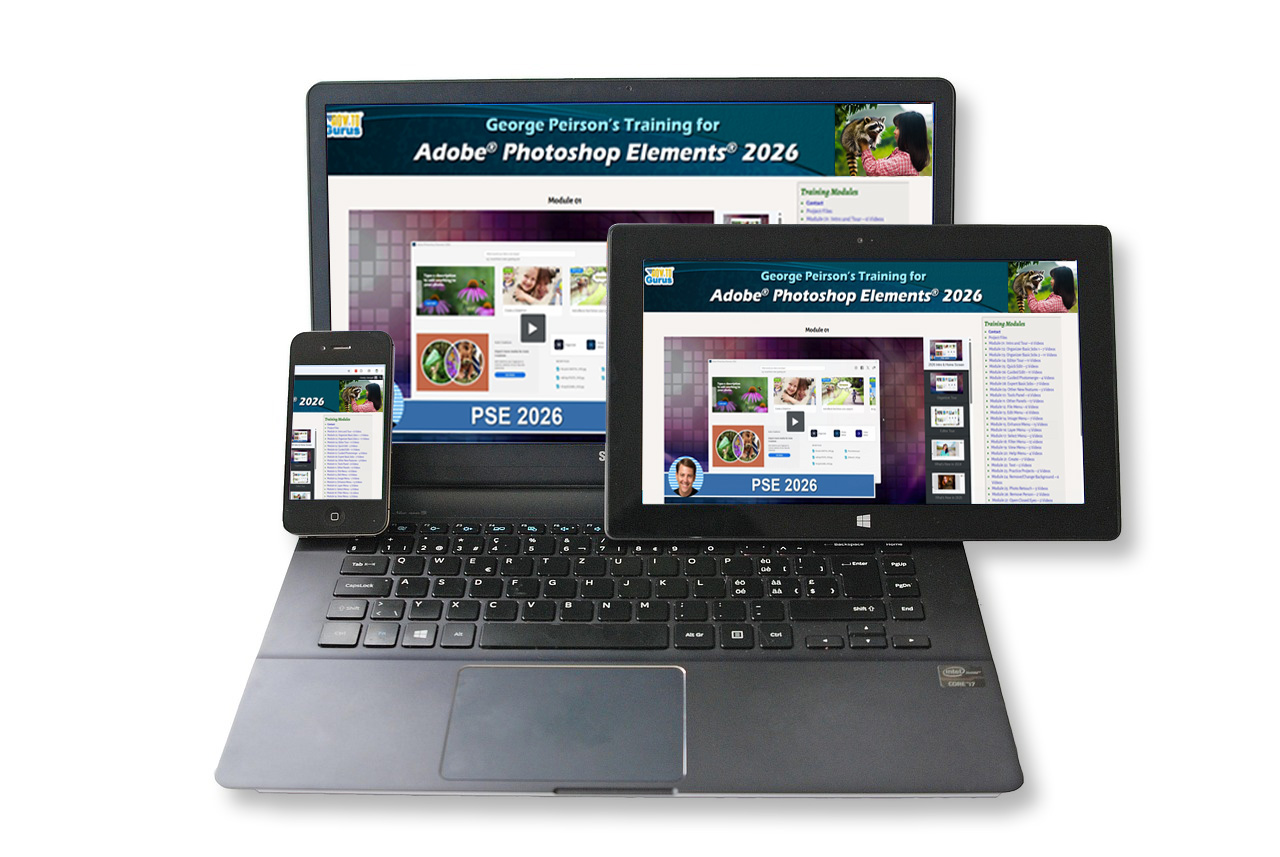
Complete Course is Available Online.
(course does not come with computer, tablet or phone)
Frequently Asked Questions
Do I need Photoshop Elements 2026?
Are there any time limits on accessing the course?
I’m new to photo editing. Will I be lost?
Can I watch on my phone or tablet?
The Photoshop Elements 2026 Online Course has been combined with the 2025 course and can now be found here:
https://howtogurus.com/pse2025
Join the Photoshop Elements 2026 course and start creating faster with Generative AI — today.